The impossible puzzle
we solved for your photos

Fitting landscape and portrait photos together into a seamless, gap-free collage sounds simple. It is not. Here is why — and why we are the first to crack it automatically.

Why collage layout is harder than it looks

Your photos come in two shapes. Some are landscape — wider than tall, like a scenic view or a group shot. Others are portrait — taller than wide, like a person or a close-up detail. A beautiful collage should keep every photo in its natural orientation, never stretched or squashed, with no empty gaps between them.

Every other photo collage product you have seen takes a shortcut:

✗ The square crop approach

Instagram, most social grids. Photos are forced into squares. The hatched area is simply cut off — up to 40 % of each photo, gone.

✗ The fixed template approach

Canva, Lightroom, most editors. You pick a hand-crafted template and manually drag your photos into its fixed slots.

PhotoCollage does neither. It uses an original algorithm that automatically composes any mix of landscape and portrait photos into a seamless rectangle — every photo kept in its own orientation, never stretched, no manual arrangement required.

A genuinely difficult mathematical problem

What makes this so hard is the combination of constraints that must all be satisfied at once:

Meeting all four constraints simultaneously is what puts this in a completely different category from anything else on the market. The underlying mathematics involves combinatorial rectangle packing, a class of problems known to be extraordinarily difficult in the general case. Even with a constrained version of the problem — photos in only two orientations — designing a provably correct, always-terminating algorithm required developing original theory.

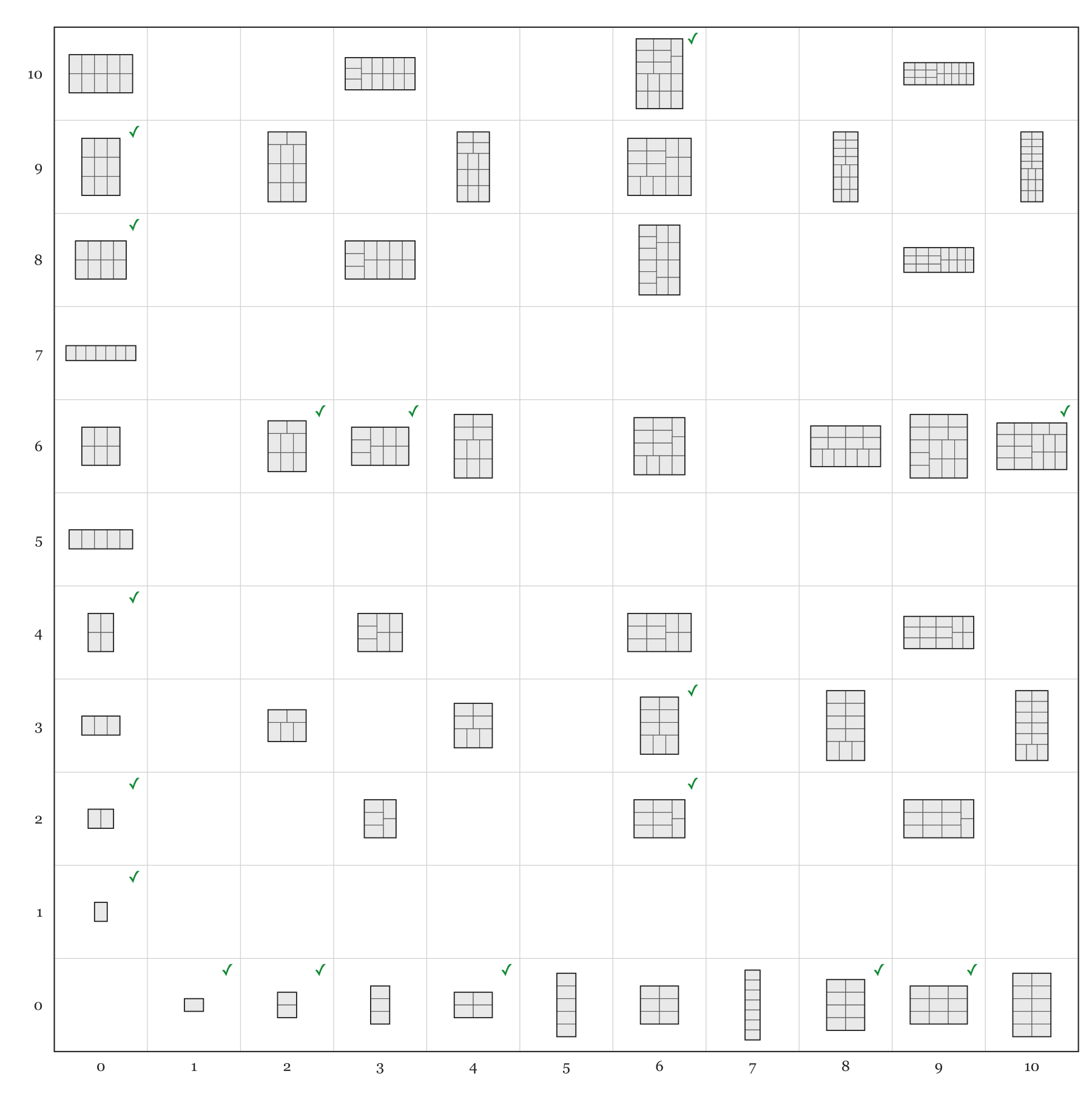
Not every collection of photos can be packed at all. For example, some combinations of landscape and portrait counts have no valid rectangular arrangement — provably none, regardless of how you order or rotate the photos. Our algorithm detects this in microseconds and offers alternative layouts instead of silently producing a broken result.

This failure-detection alone sets PhotoCollage apart: other tools either ignore the problem (and distort your photos) or push it onto you (and make you use a template).

What we built: the Bauta algorithm

We call our layout engine Bauta, after the distinctive angular Venetian carnival mask — a fitting name for an algorithm that gives every photo its proper shape within a larger composition.

Bauta started its life in 2013 as a research prototype inside Adobe Photoshop, built to automate a layout task that professional photographers were spending hours doing by hand. Over years of testing against real collections — from a handful of holiday snapshots to professional portrait sessions with hundreds of images — it was refined into a robust, mathematically proven engine.

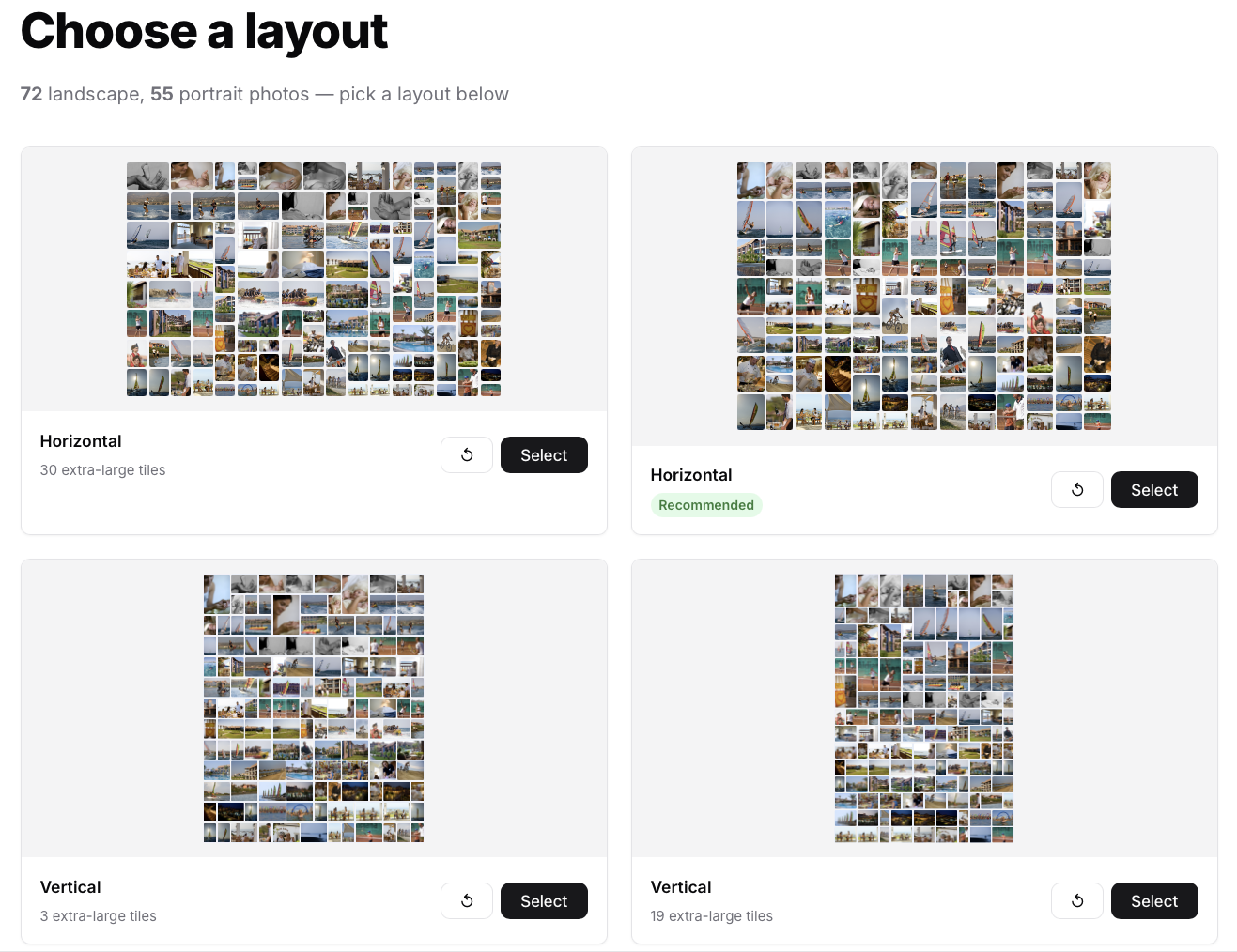
Today it runs entirely in your browser, in under a millisecond, with no server-side computation at all. The four layout previews you see when you choose a design are computed live, right on your device, by the same algorithm.

< 1 ms
Time to compute any layout, any photo count
100 %
Orientation preserved — never distorted
4
Distinct layouts generated from every photo set

Bauta generates four independent compositions — two aspect ratios (landscape and portrait overall shape) times two grid orientations (horizontal-dominant and vertical-dominant) — so you can immediately compare which arrangement suits your particular set of photos best.

See it working

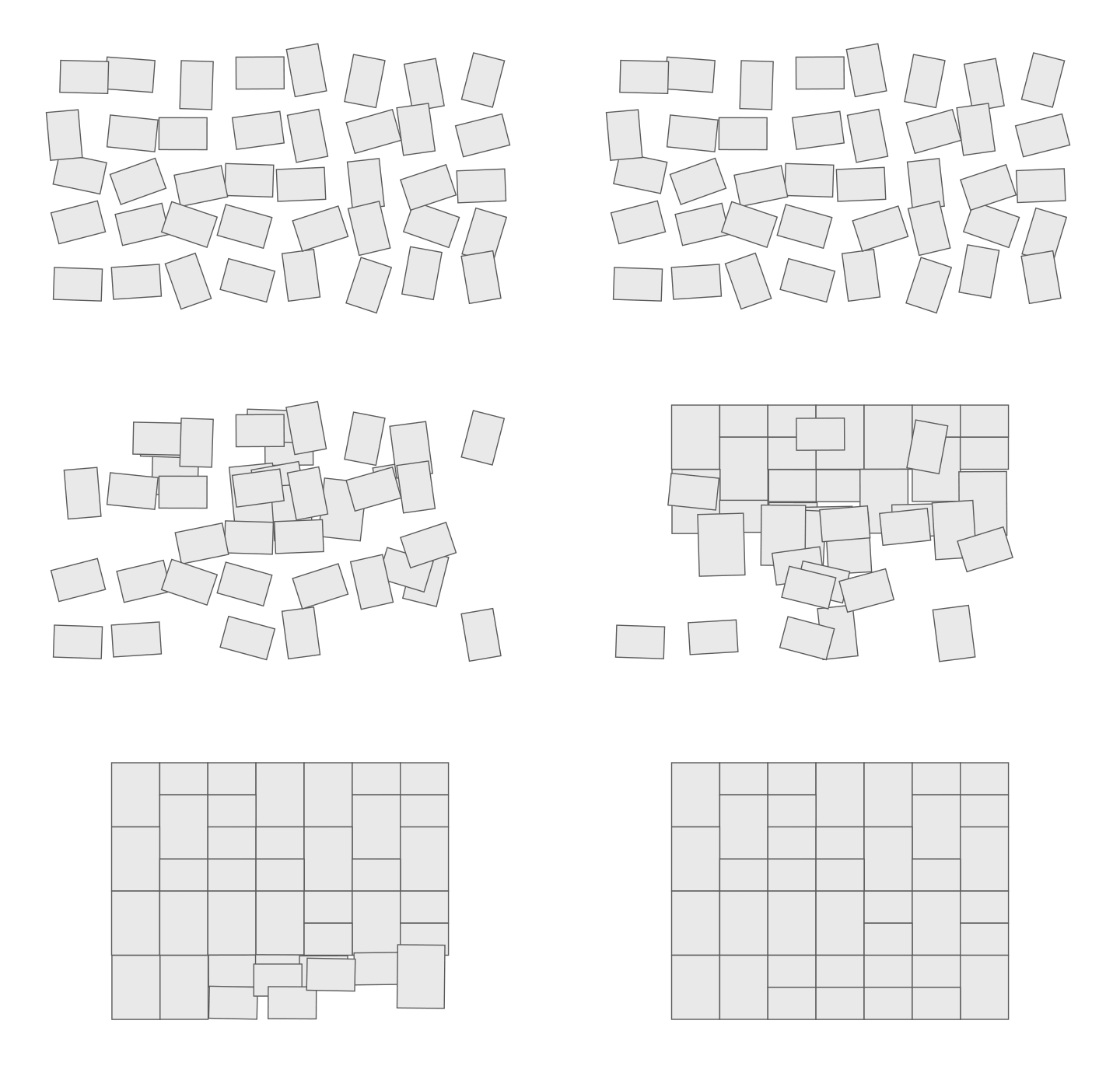
The four collages below are generated live by Bauta running in your browser right now, from a mix of 5 landscape and 4 portrait photos. Blue cells are landscape photos; purple are portrait. Every cell matches its photo's orientation — no gaps, no stretching.

Live Bauta output — 5 landscape + 4 portrait photos

Each arrangement is structurally different yet equally gap-free. When you upload your own photos, your actual images fill these cells — and you can drag them between slots to place your favourites exactly where you want them.

Why has no one done this before?

The honest answer is that the problem is simply too hard to solve correctly without dedicated research. Most photo software is built around a central assumption: any photo can be reshaped to fit. Once you accept that, the layout problem disappears — any rectangular template fits any photo, and the software never has to think about shapes at all.

Refusing to distort or reshape them breaks that assumption entirely. Suddenly the software must reason about the mathematical relationship between every photo's orientation and every possible grid configuration. It must prove, for any given set of photos, whether a valid layout exists — and if so, find one. This is the kind of problem that requires original algorithmic work, not just engineering effort.

Commercial tools have not gone there because the shortcut (reshape everything to fit) is so much cheaper to build, and most users have simply accepted it as the norm. We did not accept it.

To our knowledge, no commercial photo collage product automatically produces gap-free layouts while keeping every photo in its natural orientation, undistorted. PhotoCollage is the first.

Ready to see what it does with your photos?

Upload your collection — landscape and portrait mixed freely — and the algorithm generates your layouts in under a second.

Start creating free